
Google Ads Account Structure for a Small Business, Explained with a Case Study
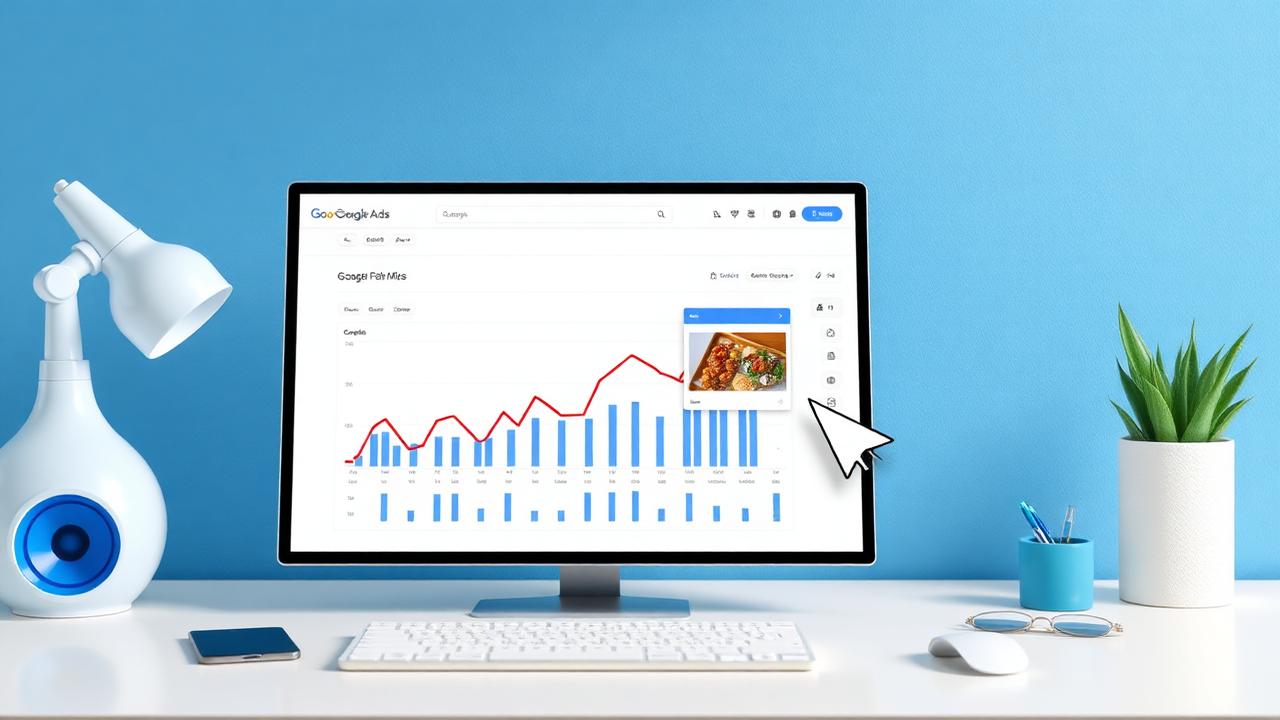
What a Google Ads account looks like for a small business: how many campaigns, what we separate, what we leave automated, and what we monitor weekly.
We most often make mistakes in the direction of complexity. An account with 14 campaigns for a budget of €600 per month isn't organisation, it's scattering: each campaign receives too little data to learn anything.
This is usually what an account looks like when we build it from scratch for a local service business.
One search campaign, two or three groups
We divide the groups by intent, not by similar words. For a car service, for example: who is looking for the service ("timing belt replacement"), who is looking for the company in the area ("car service Sibiu"), who is looking for a price.
Each group receives ads written for its intent. The person looking for a price deserves to see an ad that talks about price, even if the answer is "it depends, we'll tell you in 10 minutes on the phone".
What we exclude before day one
We start the negative keyword list before launch, not after we've burnt through the budget. Almost always included are: "free", "recruitment", "job", "courses", "pdf", "second hand" — it depends on the industry. Then we update it weekly, from the search terms report.
In the first month, we look at this report twice a week. Not because it's pleasant, but because it shows exactly where the money is going. For one client, we found clicks on searches related to a recruitment competition in another city.
Conversions
Without correct conversions, the rest of the discussion is just decoration. We measure form submissions, clicks on phone numbers, and WhatsApp clicks, as separate events. On the phone, calls are often the main channel — if you ignore it, the campaign appears weaker than it is.
What we don't count as a conversion: visits to the contact page, scrolling to the bottom, time spent on the site. These are signals, not requests.
How much automated, how much manual
We start with maximise clicks bidding or manual cost, until we gather enough conversions. Then we switch to target cost per conversion. The threshold isn't a magic number; we look at whether we have consistent conversions week by week, not just a peak.
We rarely use fully automated campaigns, with few settings, for small businesses. They have given us results that are hard to explain to the client, and when you can't explain where a cost comes from, you can't correct it either.
What we monitor weekly
Cost per lead, per channel. New search terms. What happens after the click — if the landing page receives traffic but produces nothing, the problem isn't in the account.
We often emphasise this part in initial discussions: it's possible for ads to work correctly and for leads to be missing because the page demands too much or responds too slowly. We've paused campaigns for clients until the website was fixed. It's an uncomfortable discussion, but cheaper than the alternative.
One thing I learned the hard way
It's not worth launching in five cities at once with a small budget. We did it, received thin data from everywhere, and couldn't make any decisions. Now we start in one city until the cost per lead stabilises, then we expand.
If you already have an account and want to know what needs cleaning up, give us read access and we'll send you the list.
How we divide ad groups
The simple rule we use: one group for each thing a person searches for with a different purpose. Not for every grammatical variation.
| Group | What's included | Where we send traffic |
|---|---|---|
| Main service | Terms closest to an order | Service page |
| Specific variant | A sub-service with its own page | Sub-service page |
| Own brand | Company name | Homepage |
| Local | Service plus city | Local page, if it exists |
| Price | Searches about cost | Page with price ranges |
The group with the company's name is cheap and often overlooked. It costs little and protects you when competitors bid on your name.
What we put in ads
What we offer, where we are, a concrete reason to get in touch. No superlatives. We test two variations in parallel and leave them until one clearly wins, not until it looks better one morning.
The ad that performed best for one client contained the word "Sibiu" and a price range. Nothing clever, just the information the person was looking for.
Settings we touch in the first week
| Setting | What we do | Why |
|---|---|---|
| Geo-targeting | Only "presence", not interest | Otherwise, we pay for clicks from other countries |
| Search partners | Turned off initially | To clearly see what search is doing |
| Ad extensions | Fully completed | They take up space and provide useful information |
| Exclusions | Basic list, immediately | Budget leaks away on wrong searches |
| Daily budget | Small, but constant | We don't want it to learn in jumps |
What we messed up once
We started with automated bidding on an account that didn't have any recorded conversions yet. It spent a week learning nothing. Now we start manually or on clicks until there is real data, even if the platform's recommendation says otherwise.
What we monitor monthly
Leads, cost per lead, and the list of new searches. We keep the other indicators in the report, but they don't determine anything. If a client wants more detailed reports, we'll provide them, but we'll clearly state which figures are useful and which are just interesting.
If you're launching your first account and don't want to burn through your budget, give us a short call and we'll tell you what we'd start with for you.
Want a website that brings in customers?
We'll give you a clear proposal, with price and delivery time, no obligations.
Related service
Google Ads campaigns
See details and pricing
Written by
Cristian IlieHead of Performance Ads, NCHDesign
Builds and optimizes Google, Meta and TikTok campaigns, focused on cost per client.
Updated: 3 September 2026